Why does Heka ask for a Chrome extension?
Igor ·
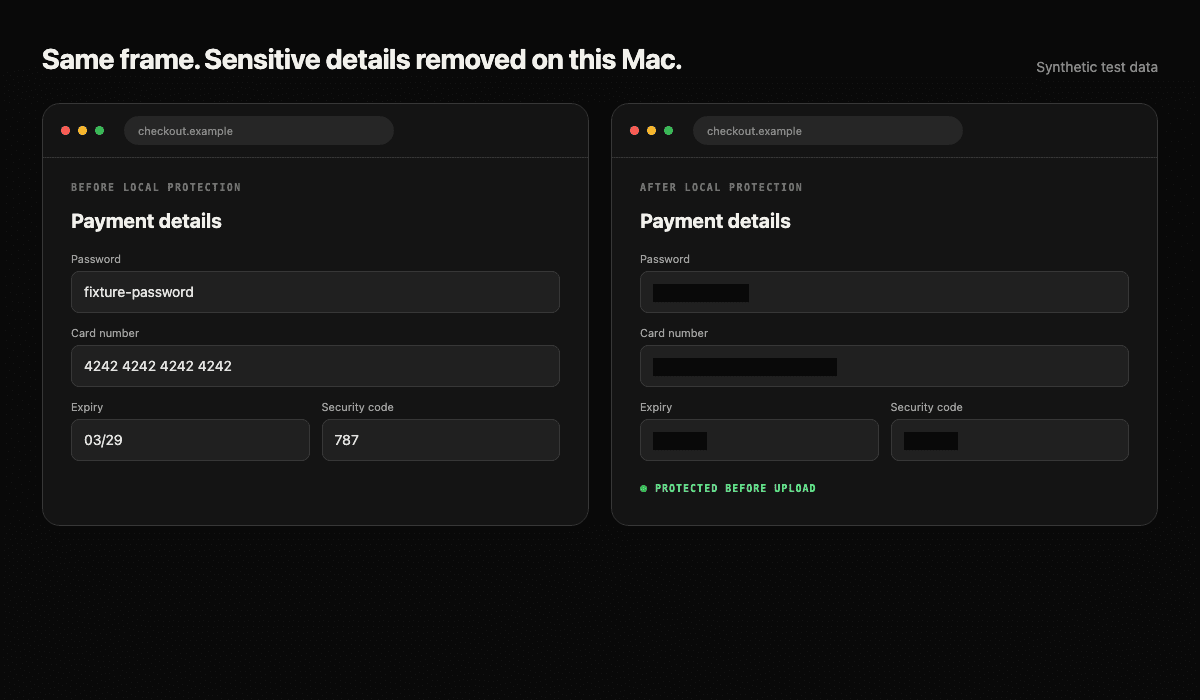
Heka finds sensitive fields on its own. It reads what is on screen, works out which box holds a password, card number, or security code, and hides it on your Mac before anything is uploaded. The Chrome extension does not add that protection. It makes it cheap.
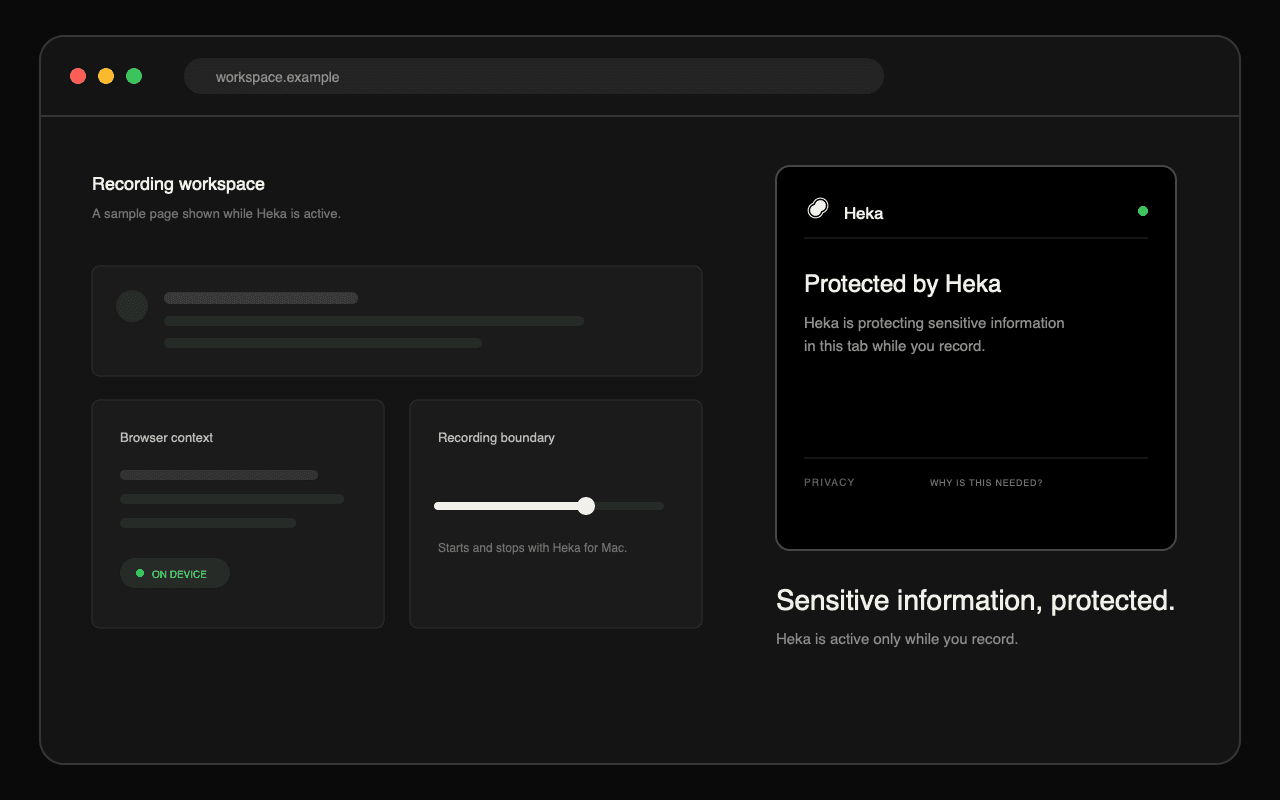
Why it costs your Mac less
Without the extension, Heka has to work the fields out from the picture as you go. Chrome already knows which box is a password field and where it sits, so the extension lets Heka ask instead of look. A lookup costs a fraction of what watching every frame does — the difference between a background process you notice and one you do not.
What happens when you record
- You start a recording in the Heka Mac app.
- The extension hands Heka the sensitive fields on the page, so nothing has to search for them.
- Heka hides those areas on your Mac before the recording can upload.
What it does not do
- It cannot start a recording by itself.
- It does not read the password you type.
- It does not upload recordings by itself.
- It stays inactive when Heka is not recording.
What it can see while recording
While a Heka recording is active, the extension can see the current page address, visible page text and layout, field types and positions, and the browser actions needed to keep the protection aligned. It sends that context to the Heka app on the same Mac for the recording and its privacy protection.
The short version
Your passwords and card details get hidden either way. The extension just lets Heka ask Chrome where they are instead of working it out frame by frame — same protection, far less of your Mac spent on it.
Frequently asked questions
- Do I need the extension for Heka to hide my passwords?
- No. Heka finds and hides sensitive fields on its own. The extension makes that work far cheaper for your Mac, because Chrome can point at the fields instead of Heka working them out from the picture.
- Does the extension read my passwords?
- No. It identifies that a password field exists and where it appears on screen, but the password you type is withheld.
- Does it run when Heka is not recording?
- No. The extension stays inactive until you start a recording in the Heka Mac app, and stops when the recording stops.
- Does the extension upload my recording?
- No. It sends recording-time page context to the Heka app on the same Mac. Heka applies the privacy protection locally and handles any eligible upload afterward.
Heka pays you for the work you already do on your Mac. Get early access.